How to Program Your Garage Door Remote: A Complete Guide for Boston Residents

Introduction
Imagine coming home after a long day in Boston, only to struggle with your garage door remote. It’s a common frustration that can be easily resolved with a little knowledge. In this in-depth guide, we will walk you through the steps to program your garage door remote, ensuring seamless access to your garage every time. Let’s dive in!
Understanding Garage Door Remote Systems
Before we get into the programming process, it's essential to understand the types of garage door remote systems that exist:
- Fixed Code Remotes: These remotes transmit a specific code to the opener every time.
- Rolling Code Remotes: These remotes change their code every time they are used, providing enhanced security.
- Smart Remotes: These connect to your home network, allowing you to control your garage from your smartphone.
Why Programming is Important
Programming your garage door remote correctly ensures that:
- You gain consistent access to your garage.
- You enhance the security of your property.
- You can resolve issues quickly should problems arise.
Steps to Program Your Garage Door Remote
Now that you have a basic understanding of garage door remote systems, let’s get into the practical steps to program your remote.
Step 1: Gather Your Tools
Before starting, make sure you have the following:
- Your garage door remote.
- Your garage door opener.
- A ladder (if necessary to reach your opener).
- Owner's manual for both the remote and the opener (if available).
Step 2: Locate the Learn Button on Your Garage Door Opener
The learn button is usually located on the back or side of the garage door opener motor. Here's how to find it:
- Stand on a sturdy ladder to reach the motor unit.
- Look for a small, colored button—this is your learn button.
Step 3: Clear Previous Codes (if necessary)
If you're adding a new remote, it's a good idea to clear any existing codes. This is typically done by:
- Pressing and holding the learn button until the indicator light blinks.
- After the light blinks, release the button.
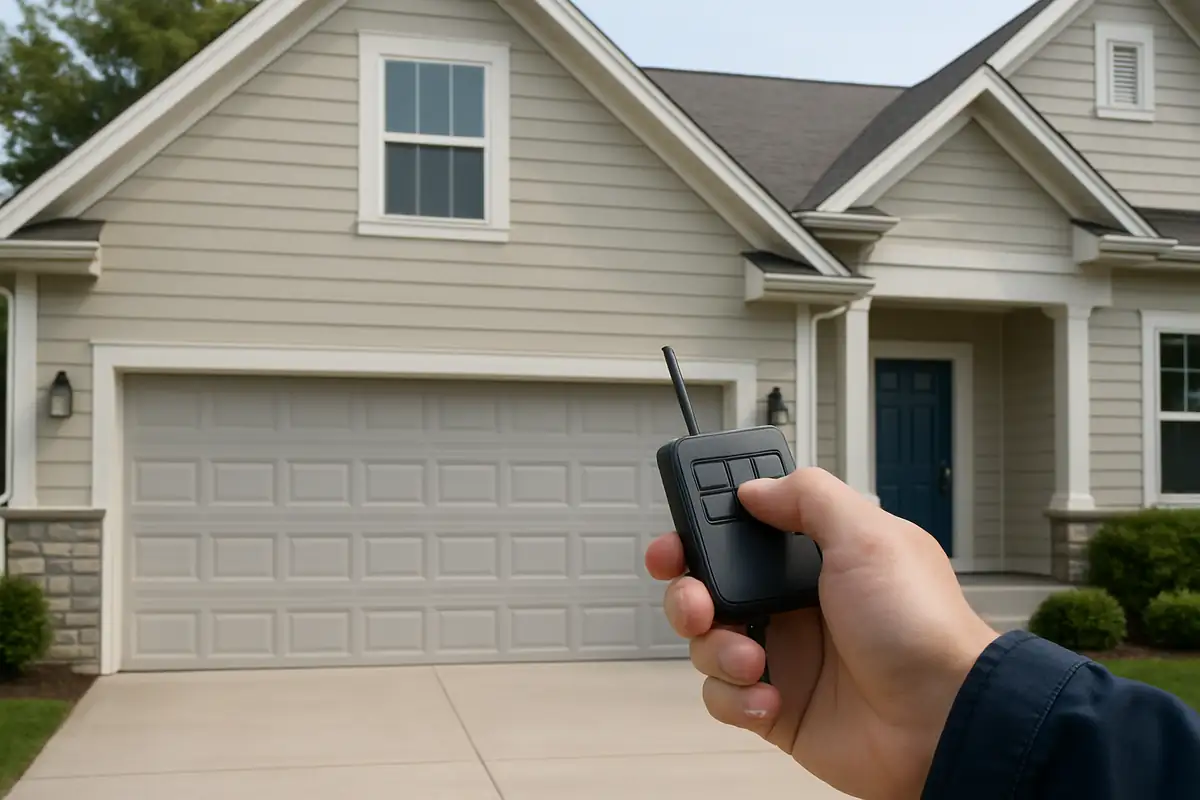
Step 4: Program the Remote
To program your remote:
- Press and release the learn button on the opener.
- Within 30 seconds, press and hold the button on your remote that you wish to program.
- Release the button when the garage door opener lights blink, indicating the code has been accepted.
Step 5: Test Your Remote
After programming, it’s essential to test your remote. Simply press the button you programmed and observe whether the garage door opens or closes as expected.
Troubleshooting Common Issues
Sometimes, things may not go as planned. Here are some common issues you may encounter and how to fix them:
- Remote Not Working: Ensure the battery is charged or replace it if needed.
- Garage Door Opens Unexpectedly: This may indicate that the remote needs reprogramming.
- Multiple Remotes Not Working: Make sure all remotes are programmed to the opener.
Additional Tips for Boston Homeowners
Here are a few bonus tips specifically for residents in Boston:
- Consider installing a smart garage door opener for remote access and monitoring from your smartphone.
- Keep your garage door opener away from extreme temperatures, especially during Boston winters.
- Regularly check the batteries in your remote to avoid unexpected failures.
Conclusion
Programming your garage door remote is a straightforward process that can save you time and frustration. Whether you’re a long-time Boston resident or new to the area, understanding how to program your remote can enhance your garage door experience. If you ever encounter issues beyond programming, remember that GarageLand is here to help with professional garage door repair services in Boston, MA.
Call to Action
Ready to ensure your garage door system is running smoothly? Contact GarageLand today for expert garage door services in Boston. Your satisfaction is our priority!
Explore More Resources
Related Articles
Service Areas
We proudly serve Boston, Charles River Square, North Point, Boynton Yards, Cambridge and more areas.
Our Services
Professional garage door repair, spring repair, opener installation and more. View all services →